
How to Find Decision Makers in Companies
 Rajesh
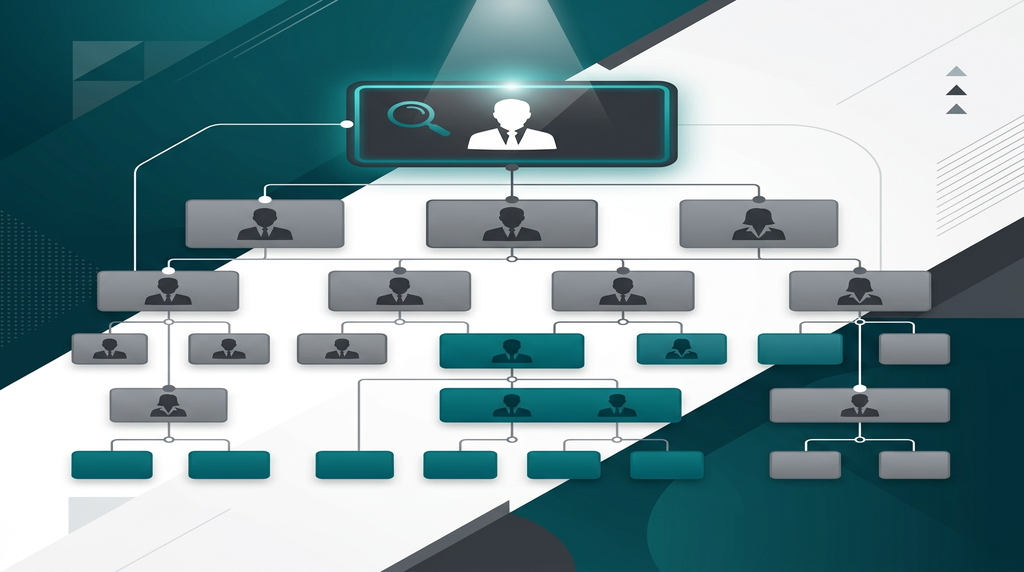
How to Find Decision Makers in Companies (A No-Nonsense Guide)
The "Let Me Ask My Boss" Trap
You just spent thirty minutes on a great discovery call. The prospect is nodding along. They love your product. They completely agree that it will solve their team's biggest headache.
Then, right as you try to close the deal, they drop the worst line in sales:
"This looks amazing. Let me put together a presentation and run it by my boss."
Your heart sinks. Your deal just stalled out, and you have zero control over how this junior employee is going to pitch your product to the person who actually signs the checks.
If you don't know how to find decision makers in companies, you will spend your entire career doing free product demos for people who have absolutely no budget. Let's look at how to bypass the middleman, find the real boss, and get your pitch in front of the right eyes.
Quick Answer
To find decision makers in companies, start by identifying the right job title based on the company's size. Use LinkedIn's "People" search filter to find the specific employee holding that title, and then use a Business Email Finder tool to uncover their direct contact information for outreach.
Who Actually Makes the Buying Decisions?
Before you start digging for names, you need to know who you are actually looking for.
A massive mistake beginners make is always aiming for the absolute top. They assume they need to pitch the CEO. But if you sell a $50-a-month project management tool to a company with 5,000 employees, the CEO does not care. They aren't involved in that level of purchasing.
The Size of the Company Changes Everything
Department structures and budget authorities change dramatically depending on the scale of the organization you are targeting.
3 Ways to Find Decision Makers in Any Company
Once you know the title you are looking for, here is how you find the actual person.
LinkedIn is still the undisputed king of B2B research. If you know the company you want to sell to, go to their official LinkedIn company page and click on the "People" tab.
From there, type your target job title (like "Director of Operations") into the search bar. This immediately filters out the hundreds of other employees and leaves you with a shortlist of the exact people running that department.
If a company just secured a new round of funding or launched a massive new initiative, they usually issue a press release.
Read those releases. The people quoted in them are almost always the senior decision makers spearheading the new project. If a VP of Marketing is quoted saying, "We are aggressively expanding our digital footprint this year," that is your golden ticket to reach out and offer your digital services.
Finding a name on LinkedIn is great, but you can't just send them a connection request and hope they accept it. You need a way to reach them directly in their inbox.
This is where you need to bring in automation. Once you know that Sarah Jenkins is the VP of Sales at TargetCompany, you can plug her name and company domain into a tool like the RS Business Email Finder .
Instead of guessing her email format and hoping it doesn't bounce, the software uses predictive algorithms to instantly find her exact, direct business email address. You go from looking at a LinkedIn profile to sitting in their primary inbox in about five seconds.
How to Talk to the Boss (Without Being Ignored)
When you finally find decision makers and get their email addresses, you have to change how you write. You cannot pitch a CEO or a VP the same way you pitch a junior coordinator.
Keep it ruthlessly short
They are busy. If your email is five paragraphs long, they will delete it immediately.
Focus on business outcomes
Junior employees care about cool software features. Decision makers care about saving time, cutting costs, and increasing revenue. Frame your pitch around those three things.
Always double-check your data
Before you hit send to a high-level executive, make absolutely sure their email is active. Run your list through the RS Email Verifier to keep your bounce rate at zero. Bouncing an email off an executive's server is a quick way to get your domain blocked.
FAQs About Finding Decision Makers
Q: Should I completely ignore lower-level employees?
A: Not always. If a gatekeeper is highly protective of their boss, you can sometimes use a "bottom-up" approach. You get a junior employee to champion your product, and then ask them to introduce you to the decision maker. It's slower, but it works.
Q: How do I know if someone actually has a budget?
A: You usually don't know for sure until you talk to them. However, titles with "Head of," "Director," "VP," and "Chief" almost always control department spending.
Q: What if the decision maker's email isn't public?
A: High-level executives rarely list their direct emails publicly to avoid spam. This is exactly why you need a predictive finder tool rather than relying on standard website scraping.
Final Thoughts
Selling to the wrong person is exhausting. It fills your pipeline with deals that look great on paper but never actually close.
Stop settling for the first email address you find on a company website. Take five extra minutes to map out the company structure, figure out who actually holds the power, and use a dedicated email finder to reach them directly. When you start having conversations with the people who can actually say "yes," your sales cycles will shrink, and your win rate will skyrocket.