
How to Scrape Data from Websites (Without Being a Coder)
 Prakash
How to Scrape Data from Websites (Without Being a Coder)
If you have ever been tasked with building a lead list from scratch, you know the drill.
You find a great directory or a list of target companies. You click on the first company. You go to their "About Us" page. You copy the CEO's name. You paste it into your spreadsheet. You copy the company domain. Paste. You try to guess the email address. Paste.
Two hours later, you have massive wrist cramps and a spreadsheet with exactly 42 names on it.
If your sales team is doing this, your pipeline is bleeding. Your highly-paid sales reps are functioning as data-entry clerks. If you want to scale your outbound campaigns, you have to automate this process. You need to learn how to scrape data from websites.
And the good news? You don't need to know how to write a single line of code to do it.
What Actually is Web Scraping?
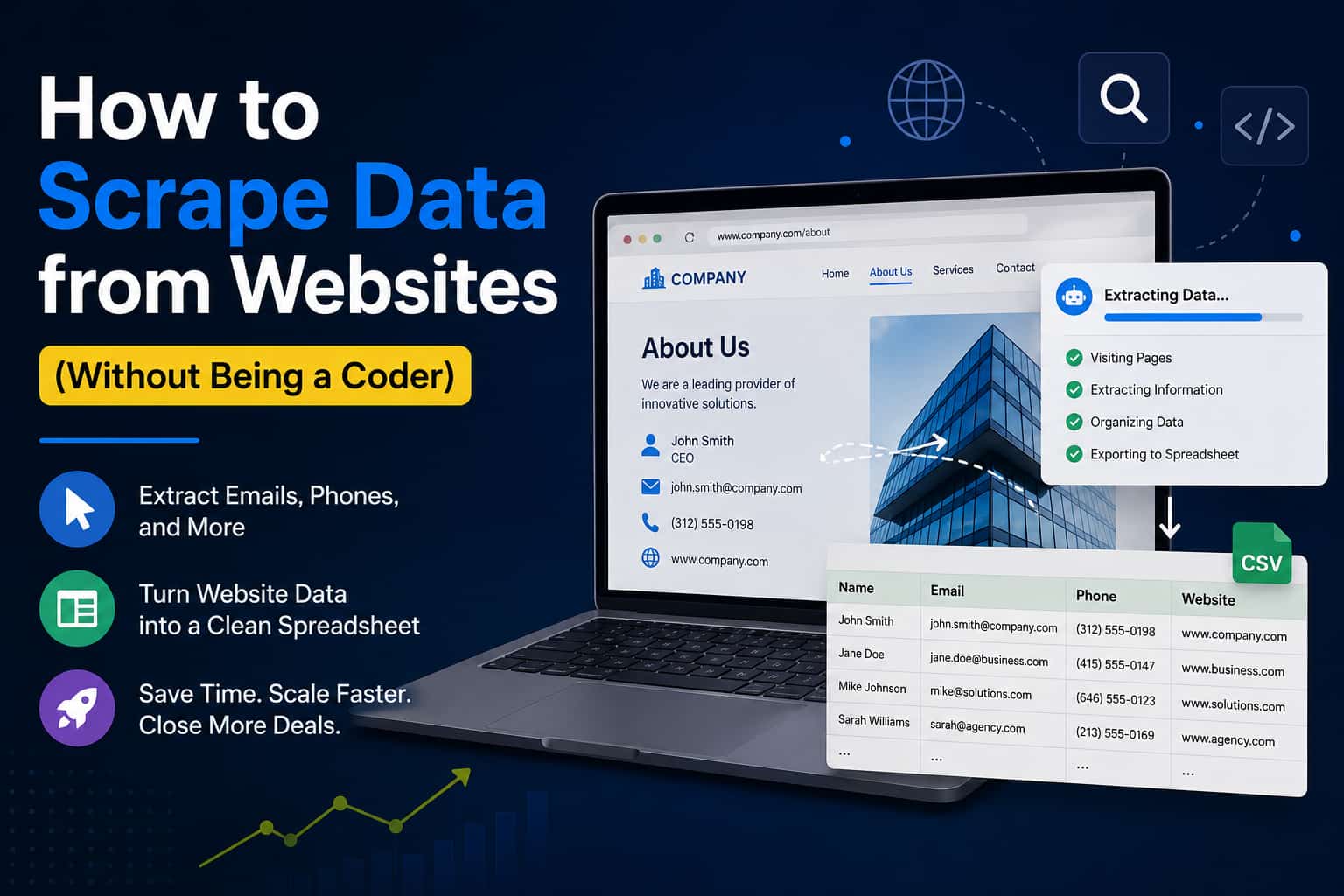
At its core, web scraping is just automated copy-pasting.
Instead of a human looking at a webpage and highlighting text, a piece of software looks at the raw code behind the website. It scans for specific patterns—like the "@" symbol for emails, or the structure of a phone number—and instantly pulls that data out, organizing it neatly into a spreadsheet for you.
What takes a human three hours takes a scraper about three seconds.
The Elephant in the Room: Is Web Scraping Legal?
This is the first question everyone asks when they start scraping data. The short, non-lawyer answer is: Yes, if you are scraping public data.
If information is freely available on the public internet—meaning anyone can go to the website and see it without logging in or bypassing a password—it is generally legal to extract it. Things get messy (and illegal) when you try to scrape private, copyrighted, or login-protected data.
For B2B sales, we are looking for public business emails, public phone numbers, and company names. That data is meant to be found.
3 Ways to Scrape Data from Websites (From Hard to Easy)
If you are ready to stop doing manual data entry, here are the three main ways you can start pulling data today.
Method 1: Building a Custom Python Scraper (Hard)
If you know how to code, you can use Python libraries like BeautifulSoup or Scrapy to write a custom script. You tell the script exactly which website to go to and which HTML tags to grab.
- ✓ The Upside: It’s practically free and highly customizable.
- ✗ The Downside: Websites change their code all the time. When they do, your scraper breaks, and you have to spend hours fixing code.
Method 2: Browser Extensions (Medium)
There are dozens of Google Chrome extensions designed to scrape data. You install the plugin, navigate to the website you want to target, click the extension icon, and it tries to download the data on the page into a CSV file.
- ✓ The Upside: No coding required, and great for grabbing a quick list off a single page.
- ✗ The Downside: They are incredibly slow if you need to scrape hundreds of pages. You still have to manually navigate, click, and download.
Method 3: No-Code Extraction Software (Easy)
If you want to pull data at scale, you need a dedicated software tool built specifically for B2B lead generation.
Instead of visiting sites one by one, you use a tool like the RS Lead Extractor Ultimate or RS Email & Phone Prospector . You simply drop in a list of website domains, or enter a specific keyword (like "Plumbers in Chicago"), and hit go. The software runs in the background, visiting hundreds of sites simultaneously, scraping the public emails, phone numbers, and social media links, and building a massive, organized database for you.
This is how serious growth teams build their pipelines.
The Hidden Trap: Scraping is Useless Without Cleaning
I see beginners make this mistake constantly. They scrape 5,000 emails using an automated tool, instantly dump them into their cold email software, and hit send.
The next day, their email domain gets blocked for spam.
When you scrape data from websites, you are scraping everything. That includes dead email addresses from employees who quit five years ago, generic "info@" inboxes, and spam traps.
Scraping is only the first half of the job. Before you ever send an email to a scraped list, you must run that list through an RS Email Verifier . This ensures you are only emailing real, active inboxes, keeping your bounce rate near zero and protecting your domain reputation.
Frequently Asked Questions
Quick Answer
To scrape data from websites without coding, use a dedicated no-code extraction tool like RS Lead Extractor Ultimate. Simply input your target keywords or specific website domains, and the software will automatically navigate the pages, extracting public contact information like emails and phone numbers into a clean spreadsheet.
1. Can a website block me from scraping?
Yes. Many websites use rate-limiting or captchas to prevent bots from overwhelming their servers. Good extraction software handles this automatically by rotating IP addresses and mimicking human browsing behavior.
2. Is scraping the same as buying a lead list?
Not at all. Buying a lead list means buying old, recycled data that has probably been emailed by a hundred other salespeople. Scraping your own data means you are pulling fresh, highly targeted contacts exactly when you need them.
3. Can I scrape data from social media?
Yes, but the rules are much stricter. Social media platforms heavily guard their data. You usually need specialized tools that know how to navigate those specific platforms safely without getting your account banned.
Final Thoughts
Manual data entry is a tax on your sales team's time and morale. If you know exactly who you want to talk to, there is no reason a human being should be copying and pasting their contact info.
Web scraping used to be a dark art reserved for software engineers. Today, it’s a standard operating procedure for any successful B2B company. Grab a reliable extraction tool, let the software do the heavy lifting, verify the data, and get your sales team back to doing what they do best: actually talking to customers.