
How to Reduce Email Bounce Rate: A No-Nonsense Guide (2026)
 Rajesh
How to Reduce Your Email Bounce Rate (A No-Nonsense Guide)
The Moment Your Emails Stop Working
Imagine you spend hours writing the perfect cold email pitch. You tweak the subject line until it's just right. You hit send to a list of 1,000 dream prospects. You sit back, take a sip of your coffee, and wait for the replies to roll in.
Instead, your inbox is suddenly flooded with system notifications: "Message Undeliverable."
Your stomach drops. You've just been hit with a high bounce rate.
If this has happened to you, don't panic. It happens to almost everyone when they start doing outbound sales. But if you ignore the problem and keep blasting emails to dead addresses, Google and Microsoft will eventually step in and shut down your ability to send emails entirely.
Let’s skip the highly technical jargon. Here is exactly what is happening to your emails, why it's so dangerous, and how to fix it right now.
What Exactly is an Email Bounce Rate?
Your email bounce rate is simply the percentage of emails in your campaign that didn't actually make it into the recipient's inbox. The email provider (like Gmail or Outlook) essentially looked at your message, rejected it, and "bounced" it back to you.
Not all bounces are the same, though. They usually fall into two categories:
Hard Bounces vs. Soft Bounces (The Big Difference)
Why You Need to Fix This Immediately
Email providers are ruthless when it comes to protecting their users from spam. They actively monitor your bounce rate.
If you consistently send emails that bounce, providers assume you are a spammer just guessing random addresses. As a penalty, they will lower your "sender reputation." Once that reputation drops low enough, your emails won't even bounce anymore—they will just be silently routed directly into the recipient's spam folder.
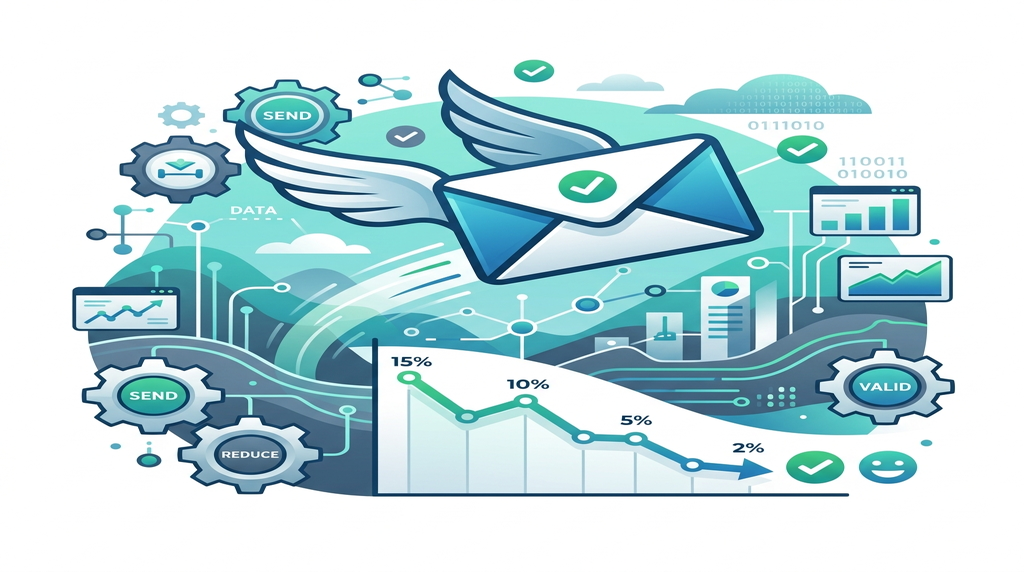
If you want people to actually see your pitches, you need to keep your bounce rate under 2%. Anything higher is playing with fire.
4 Proven Ways to Reduce Email Bounce Rate
Getting your bounce rate under control isn't overly complicated. It just requires building a few good habits into your workflow.
Stop Buying Sketchy Lead Lists
This is the number one reason people ruin their domains. You go online, find a guy selling "10,000 verified CEO emails" for fifty bucks, and you buy it.
Those lists are absolute garbage. They are filled with outdated contacts, fake addresses, and "spam traps" (fake emails created by anti-spam organizations specifically to catch people buying lists). If you want to keep your bounce rate low, build your own lists organically, or extract your own fresh data using a tool like the RS Email & Phone Prospector.
Clean Your List Before Hitting Send (The Non-Negotiable Step)
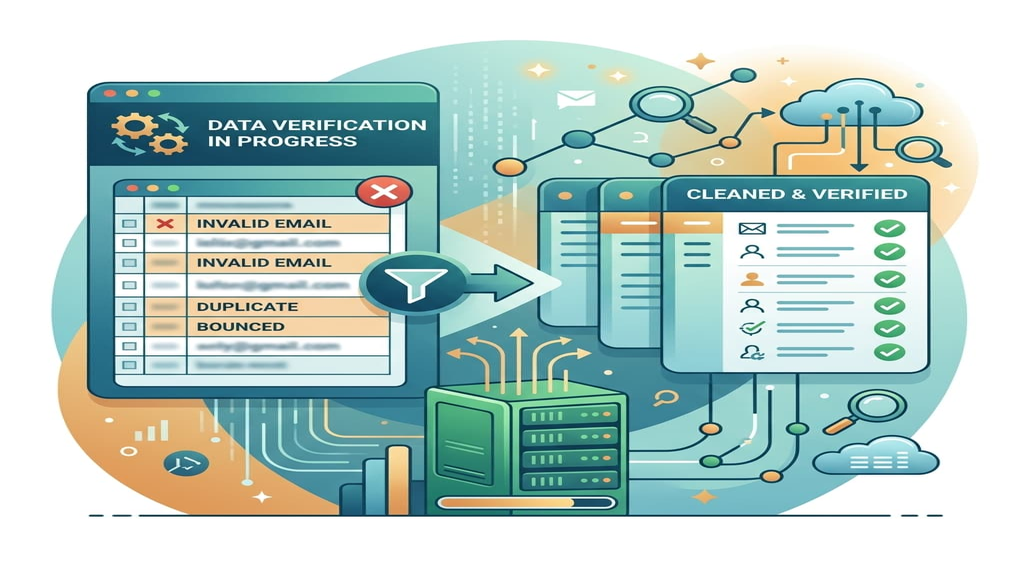
Data rots quickly. People change jobs, companies go out of business, and inboxes get shut down. An email that worked in January might hard-bounce in June.
You should never upload a raw list of prospects into your sending software without cleaning it first. You need to run your spreadsheet through a tool like the RS email verifier. This software pings the servers behind the scenes to make sure the inbox actually exists without sending a real email. It filters out the dead addresses automatically, so you only send messages to real, active people.
Authenticate Your Domain (SPF, DKIM, DMARC)
Sometimes emails bounce because the receiving server doesn't trust you.
Think of domain authentication like showing your ID at a security checkpoint. By setting up three technical records in your domain settings—SPF, DKIM, and DMARC—you prove to the receiving server that you are who you say you are, and that no one is spoofing your email address. It sounds complicated, but it usually just takes ten minutes of copying and pasting text into your domain registrar (like GoDaddy or Namecheap).
Don't Sound Like a Spammer
Even if you have the right email address, your message might bounce if the receiving server thinks your content is malicious.
Write like you are sending a note to a colleague.
FAQs About Email Bounce Rates
Featured Snippet Answer
To reduce your email bounce rate, never buy cheap, pre-made lead lists. Always run your contact lists through an email verification tool right before you hit send to remove dead addresses. Additionally, ensure your domain authentication (SPF, DKIM, DMARC) is set up correctly to build trust with receiving servers.
Q: What is an acceptable bounce rate?
A: You should aim to keep your bounce rate below 2%. If it creeps up to 5% or higher, you need to pause your campaigns immediately and clean your data.
Q: Should I delete contacts that soft bounce?
A: Not immediately. Since a soft bounce is temporary, most sending tools will try to deliver the email a few more times over a 72-hour period. If it continues to bounce after multiple campaigns, then it's time to remove them.
Q: How often should I verify my email list?
A: Data decays at roughly 2-3% every single month. If you haven't emailed a segment of your list in three months or more, you should absolutely run them through an email verifier again before launching a new campaign.
Q: Can I just guess someone's email address?
A: Guessing formats (like first.last@company) is a great way to wreck your bounce rate if you guess wrong. If you are going to guess, you must run those guesses through a verification tool first, or use a dedicated Business Email Finder that predicts the correct format for you.
Final Thoughts
Seeing your bounce rate spike is stressful, but it’s completely avoidable.
The fix almost always comes down to the quality of your data. If you stop taking shortcuts by buying bad lists, and start actively cleaning your contacts before you hit send, your deliverability problems will practically disappear overnight. Treat your sender reputation like a credit score—protect it at all costs. Grab a reliable email verifier, scrub your list today, and get back to booking meetings.