
How to Extract Emails from Websites (Complete Guide)
 Rajesh
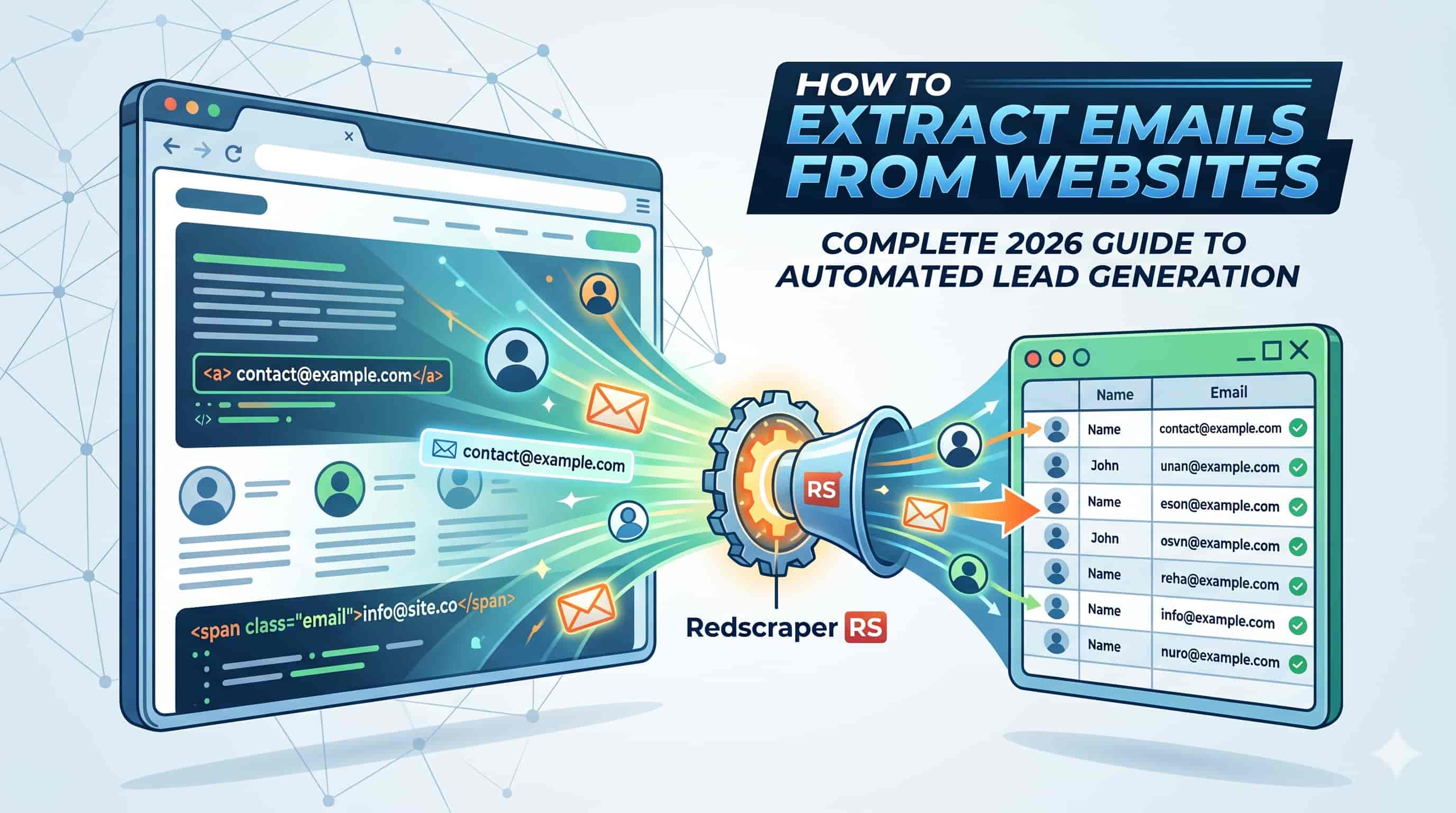
How to Extract Emails from Websites
Every successful B2B outreach campaign starts with one critical asset: a highly targeted, accurate list of contacts. But finding the right email addresses for decision-makers isn't always straightforward.
Searching through hundreds of websites manually is a drain on your resources, and buying pre-made lists often results in high bounce rates and damaged sender reputations.
In this guide, you will learn exactly how to extract emails from websites efficiently — from manual search tricks to deploying automated scraping tools — so you can build high-quality prospect lists without wasting hours of your day.
What is Email Extraction?
Email extraction is the process of locating, identifying, and copying email addresses from web pages, online directories, social media profiles, and search engines.
Instead of relying on outdated databases, extraction allows you to pull fresh contact information directly from the source. This can be done manually by inspecting contact pages and using advanced search queries, or automatically through specialized software that crawls websites and pulls specific data points — like emails and phone numbers — in seconds.
Why Extracting Emails Matters for Your Business
Proactive outbound lead generation is what allows businesses to scale predictably. Here is why mastering email extraction is critical:
Methods & Solutions
There are two primary ways to find emails online: doing the heavy lifting yourself, or letting software do it for you.
If you are only looking for a handful of prospects, manual extraction may be sufficient.
1. Check the Obvious Pages
Navigate to the company's "Contact Us," "About Us," or "Team" pages. These are the first places emails appear publicly.
2. Use Google Dorks
Advanced search operators surface hidden emails. Try "@company.com" + "contact" or site:company.com + @company.com to uncover emails buried in PDFs or press releases.
3. Guessing and Pinging
If you know a person's name and domain, guess standard formats like first.last @company.com and test them in Gmail to see if a Workspace profile populates.
For any serious lead generation effort, manual methods are entirely unscalable. This is where automated tools come in.
Software designed for data extraction can crawl hundreds of URLs in minutes. These tools scan a webpage's HTML, identify the standard @ format of an email address, and export clean lists into a CSV or Excel file — ready for your CRM or cold email tool.
Step-by-Step Guide to Automated Email Extraction
Here is an actionable process for extracting emails at scale using an automated tool:
Define Your Target Audience
Before scraping anything, know exactly who you are looking for. Are you targeting local marketing agencies? E-commerce founders? Build a list of URLs, directories, or specific domains that house your ideal customer profile.
Choose Your Extraction Tool
Select a reliable web scraper. If your goal is to extract business leads and scrape websites or directories for emails and phone numbers, a tool like RS Lead Extractor Ultimate is built specifically for this purpose.
Input Your Parameters
Most extractors allow you to input either a list of specific URLs or a broader search keyword. Enter your target domains into the software.
Run the Extraction
Start the crawl. The software will navigate through the sites, parsing the text and code to harvest the contact data automatically.
Export Your Data
Once the crawl is complete, export your new list of prospects into a structured format (CSV / Excel) so it can be uploaded to your CRM or cold email sending tool.
Best Practices & Common Mistakes
Always Verify Your Emails
Extracting the email is only step one. Websites frequently harbor outdated addresses. Pass your list through an email verification tool before sending a single pitch — it protects your sender reputation.
Respect Website Structures
Ensure your request rates are reasonable to avoid overwhelming the target server when scraping at scale.
Enrich Your Data
An email alone isn't enough. Extract accompanying data like name, job title, and company size for a highly personalized pitch.
Skipping Verification
Sending to unverified scraped lists causes high bounce rates, destroys your domain reputation, and lands emails in the spam folder.
Scraping Generic Inboxes
Scraping info@
or support@
emails rarely results in closed deals. Focus on finding actual decision-makers.
Ignoring Compliance
Ensure your outreach complies with CAN-SPAM (US) or GDPR (Europe). Only extract publicly available B2B data and always provide a clear opt-out.
Frequently Asked Questions
Quick Answer
To extract emails from websites, you can manually search "Contact" or "About" pages, use advanced Google search operators (Google Dorks) to uncover hidden addresses, or use automated email extractor software to scrape contact data from hundreds of URLs simultaneously.
1. Is it legal to extract emails from websites?
Generally, extracting publicly available B2B email addresses is legal. However, how you use those emails must comply with anti-spam laws like CAN-SPAM or GDPR. Always send relevant business communications and offer an opt-out.
2. How accurate are email extractors?
Extractors are highly accurate at pulling what is visible on a webpage. However, because websites can be outdated, the validity of those emails varies — which is why passing extracted lists through a verification tool is essential.
3. Can I extract emails from LinkedIn or social media?
Yes, though it requires specific approaches. Specialized tools exist that can extract emails and phone numbers from social profiles and online sources, each platform requiring its own technique.
4. What is the difference between an email extractor and an email finder?
An extractor scrapes existing, publicly visible emails from a webpage's HTML code. An email finder uses a database and algorithms to predict a decision-maker's email based on their name and company domain — even when it isn't publicly listed.
Conclusion
Extracting emails from websites is one of the most powerful skills a sales or growth team can master. By moving away from manual data entry and leveraging automated software, you can fill your pipeline with highly targeted, relevant leads on demand.
Remember, successful outreach is a two-part process: extracting the data, and ensuring that data is clean. Combining a powerful scraping tool with a rigorous verification process guarantees your messages actually land in the inbox.