
How to Extract Emails from Websites (2026 Guide)
 Rajesh
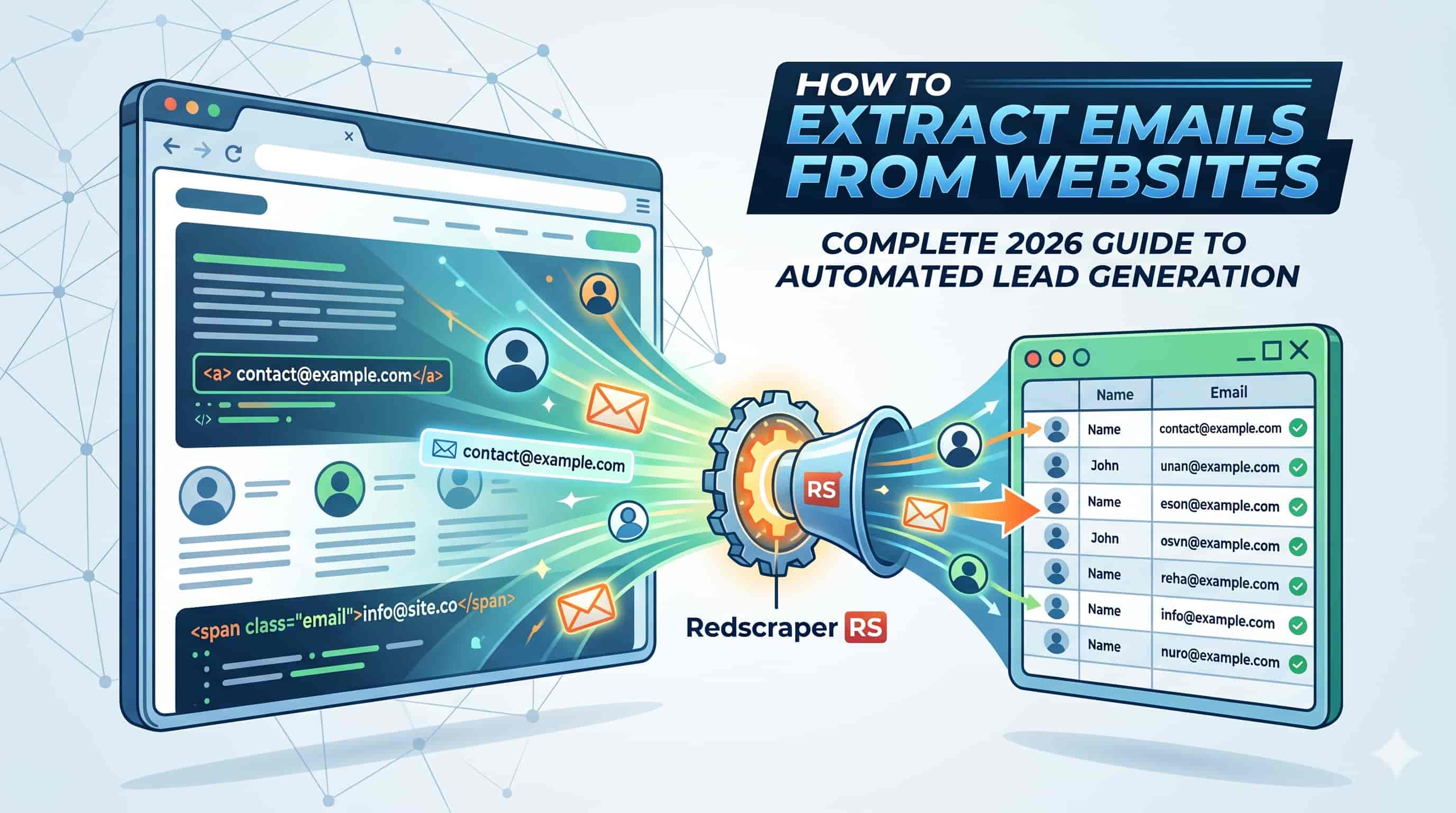
How to Extract Emails from Websites (Complete Guide)
Every successful B2B outreach campaign starts with one critical asset: a highly targeted, accurate list of contacts. But finding the right email addresses for decision-makers isn't always straightforward.
Searching through hundreds of websites manually is a drain on your resources, and buying pre-made lists often results in high bounce rates and damaged sender reputations.
If you want to build a scalable, predictable pipeline, you need to know how to source your own data. In this guide, you will learn exactly how to extract emails from websites efficiently. We will cover everything from manual search tricks to deploying automated scraping tools, ensuring you can build high-quality prospect lists without wasting hours of your day.
What is Email Extraction?
Email extraction is the process of locating, identifying, and copying email addresses from web pages, online directories, social media profiles, and search engines.
Instead of relying on outdated databases, extraction allows you to pull fresh contact information directly from the source. This can be done manually by inspecting contact pages and using advanced search queries, or automatically through specialized software that crawls websites and pulls specific data points—like emails and phone numbers—in seconds.
Why Extracting Emails Matters for Your Business
Relying on inbound marketing alone leaves your sales velocity up to chance. Proactive outbound lead generation is what allows businesses to scale predictably. Here is why mastering email extraction is critical:
Direct Access to Decision Makers
It allows you to bypass gatekeepers and place your pitch directly in the inbox of the person who holds the purchasing power.
Higher Data Quality
Pulling emails directly from a company's current website ensures the data is fresher than what you might find in a year-old purchased database.
Cost Efficiency
Once you establish an extraction workflow, your cost-per-lead drops dramatically compared to running paid ads or buying expensive lead lists.
Niche Targeting
You have complete control over who you target. You can scrape industry-specific directories or specific competitor websites to build highly relevant segments.
Methods & Solutions: How to Extract Emails from Websites
There are two primary ways to find emails online: doing the heavy lifting yourself, or letting software do it for you.
Method 1: The Manual Approach
If you are only looking for a handful of prospects, manual extraction might be sufficient.
- Check the Obvious Pages Navigate to the company's "Contact Us," "About Us," or "Team" pages.
- Use Google Dorks Advanced search operators can force Google to reveal hidden emails. For example, searching "@company.com" + "contact" or "site:company.com + @company.com" can uncover emails listed deep within a site's PDF documents or press releases.
- Guessing and Pinging If you know the person's name and the company domain, you can guess standard formats (e.g., first.last@company.com) and test them in Gmail to see if a Google Workspace profile populates.
Method 2: Automated Email Extractor Software
For any serious lead generation effort, manual methods are entirely unscalable. This is where automated tools come in.
Software designed for data extraction can crawl hundreds of URLs in minutes. When you need to extract business leads, scrape websites, or extract emails and phone numbers efficiently, leveraging an automated tool is the only practical solution.
These tools scan the HTML of a webpage, identify the standard @ formatting of an email address, and export clean lists into a CSV or Excel file.
Step-by-Step Guide to Automated Email Extraction
Here is an actionable process for extracting emails at scale using an automated tool:
- Define Your Target Audience: Before scraping anything, know exactly who you are looking for. Are you targeting local marketing agencies? E-commerce founders? Build a list of URLs, directories, or specific domains that house your ideal customer profile.
- Choose Your Extraction Tool: Select a reliable web scraper. If your goal is to extract business leads and scrape websites or directories for emails and phone numbers, a tool like the RS Lead Extractor Ultimate is built specifically for this purpose.
- Input Your Parameters: Most extractors allow you to input either a list of specific URLs or a broader search keyword. Enter your target domains into the software.
- Run the Extraction: Start the crawl. The software will navigate through the sites, parsing the text and code to harvest the contact data.
- Export Your Data: Once the crawl is complete, export your new list of prospects into a structured format (CSV/Excel) so it can be uploaded to your CRM or cold email sending tool.
Best Practices for Email Scraping & Common Mistakes
✔ Best Practices for Email Scraping
Extracting the email is only step one. Websites frequently harbor outdated or abandoned email addresses. Before sending a single pitch, you must clean your list. Using a tool like the RS Email Verifier helps verify and clean email lists, reduce bounce rates, and improve email deliverability.
If you are scraping custom data, ensure your request rates are reasonable to avoid overwhelming the target server.
An email alone isn't enough for a highly personalized pitch. Try to extract accompanying data like the prospect's name, job title, and company size.
❌ Common Mistakes to Avoid
Sending emails to unverified scraped lists will cause high bounce rates, which will destroy your domain reputation and land your emails in the spam folder.
Scraping info@ or support@ emails rarely results in closed deals. Focus on finding B2B emails for actual decision-makers.
Always ensure your cold outreach complies with local regulations, such as CAN-SPAM in the US or GDPR in Europe. Only extract publicly available B2B contact data and always provide a clear way to opt-out of communications.
FAQs about Email Extraction
To extract emails from websites, you can manually search "Contact" or "About" pages, use advanced Google search operators (Google Dorks) to uncover hidden addresses, or use automated email extractor software to scrape contact data from hundreds of URLs simultaneously.
Q: Is it legal to extract emails from websites?
A: Generally, extracting publicly available B2B email addresses from websites is legal. However, how you use those emails must comply with anti-spam laws like CAN-SPAM or GDPR. Always send relevant business communications and offer an opt-out.
Q: How accurate are email extractors?
A: Extractors are highly accurate at pulling exactly what is written on a webpage. However, because websites can be outdated, the validity of those emails varies. This is why you must always pass extracted lists through an email verification tool.
Q: Can I extract emails from LinkedIn or social media?
A: Yes, though it requires specific approaches. Specialized tools exist that can extract emails and phone numbers from social media profiles and online sources.
Q: What is the difference between an email extractor and an email finder?
A: An extractor scrapes existing, publicly visible emails directly from a webpage's code. A business email finder typically uses a database and algorithms to predict a decision-maker's email based on their name and company domain, even if it isn't publicly listed on the site.
Conclusion
Extracting emails from websites is one of the most powerful skills a sales or growth team can master. By moving away from manual data entry and leveraging automated software, you can fill your pipeline with highly targeted, relevant leads on demand.
Remember, successful outreach is a two-part process: extracting the data, and ensuring that data is clean. By combining a powerful scraping tool with a rigorous verification process, you guarantee that your messages actually land in the inbox.
Ready to Scale Your Email Marketing?
If you are ready to scale your email marketing, explore tools designed to streamline the entire process from extraction to verification. Try RS Email and Phone prosepector and RS Email Verifier today.